OsmAnd 2.10 (iOS)

OsmAnd 2.1 is now available! The release includes many highly-requested features including UI updates and significant improvements in navigation. So let's get to the details!
New context menu
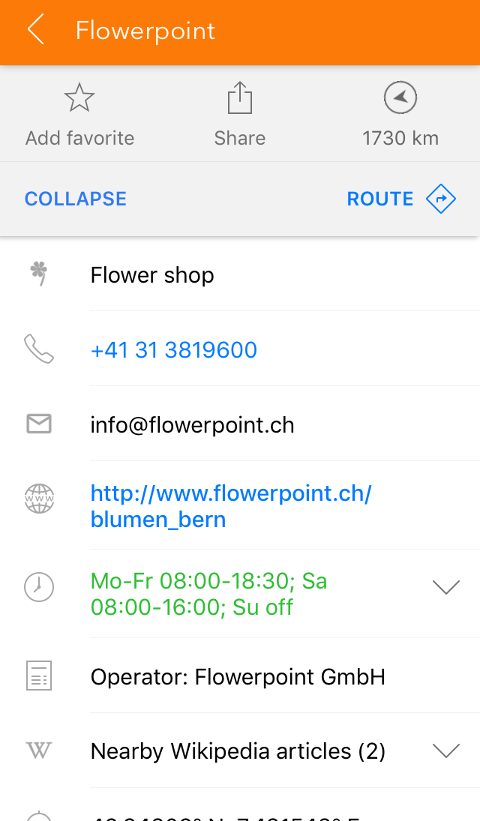
The context menu of a point has been updated to a new convenient design. Also, it now shows Wikipedia articles about the nearby objects. A great feature for travelers.
 |  |
|---|
Intermediate waypoints
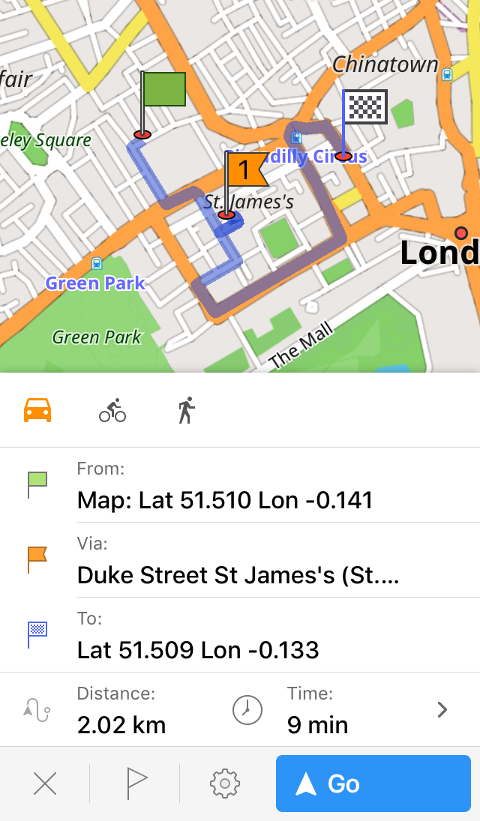
Navigation routes became the number one feature of the last release. This time, we're adding the ability to add intermediate waypoints along the route. Now you can plan your entire route for the day at once instead of making a new one after every stop. To try it, build a route, then make a long-tap the map and choose 'Route'. There, you'll be able to add the waypoint, replace your destination, etc. You can also rearrange the order of the points by pressing the flag button in the context menu and dragging the point with the '≡' button. Swipe points to the left to remove them.
 |  |
|---|
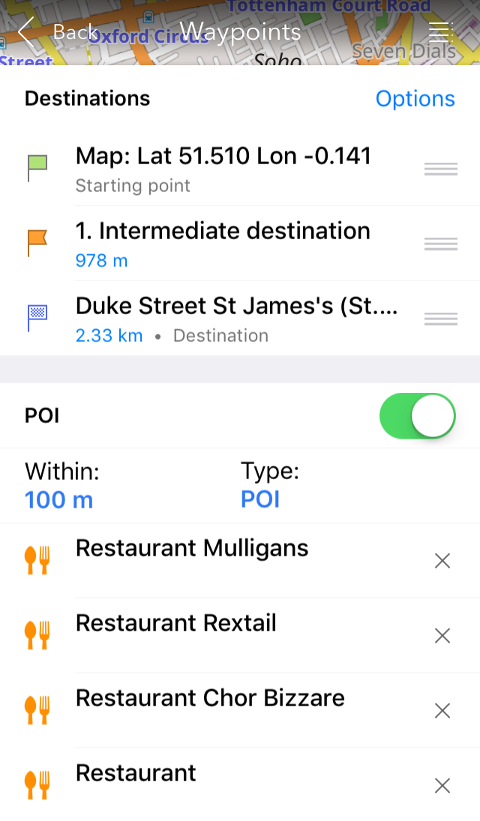
There are several other improvements: now it is possible to view POI along your route. Press the flag button in the navigation context menu and enable 'POI'. Set the radius of search (for example, 50m close to your route) and pick POI type. The same way, you can enable traffic warnings and view your favorites.
 |
|---|
All points can be arranged to create an optimal route. To do it, please press the flag button in the context menu, then Options > Sort door-to-door. In the same menu, you can reverse your starting point and destination, add a new waypoint or clear all intermediate waypoints.
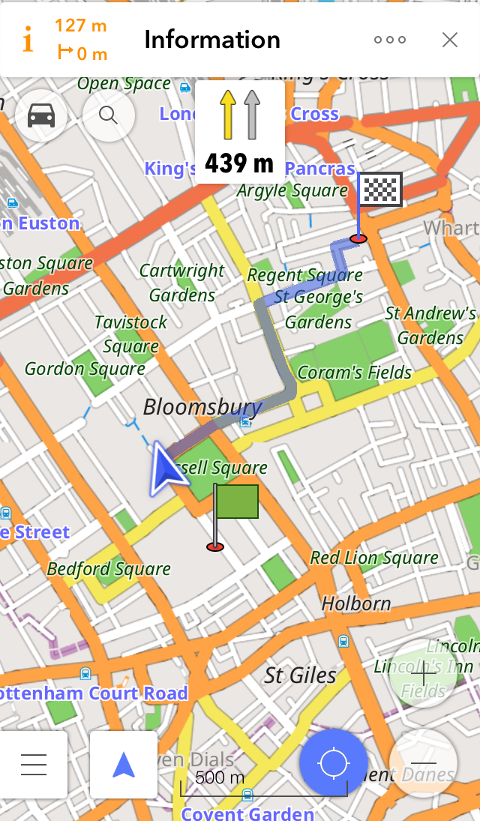
Faster route calculation
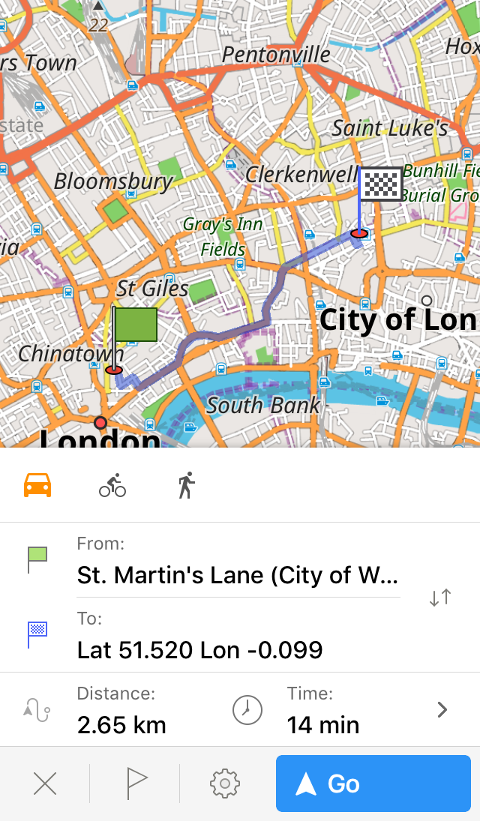
As a complementary enhancement to the previous feature, we made sure the routes are calculated faster. So even if you're planning a long trip, your route engine will keep up.
 |  |
|---|
Navigation features
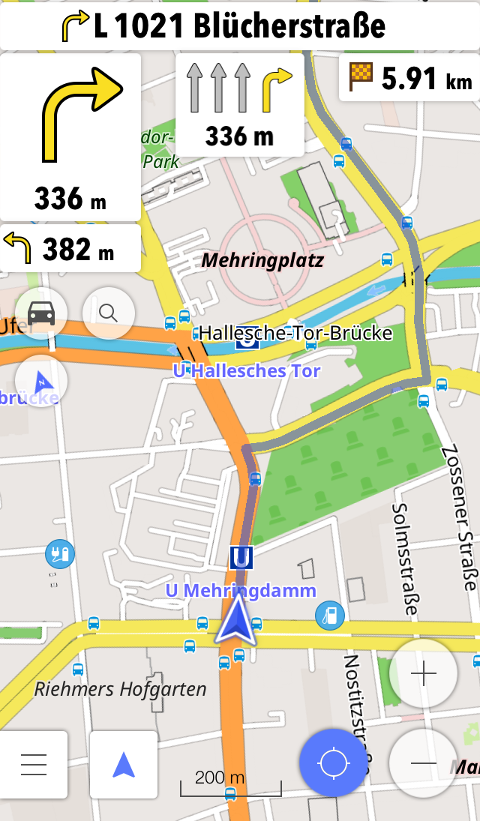
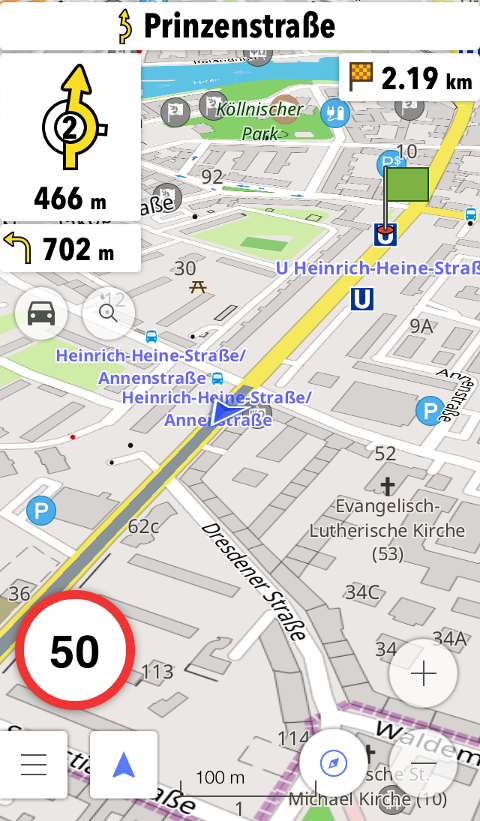
We added several updates related to navigation. First, OsmAnd now offers the widget that shows you an optimal lane for your current position on the route. The app also shows you important alarms: speed limit. etc., in the lower-left corner of the map screen.
 |  |
|---|
Also, the new version of OsmAnd helps you avoid certain roads during navigation. You may know that there's bad road quality or that road is stuck in traffic at the moment. Select to avoid that road by pressing the settings button in the navigation context menu and going to Avoid roads > Select on map. Then tap the street you'd like to avoid. To stop avoiding that street, please press on the road works sign and choose 'Dismiss'.
Route simulation
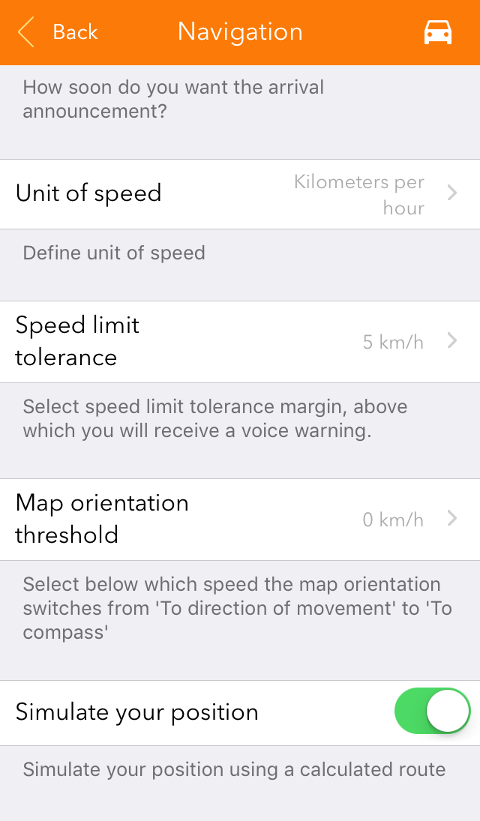
A great feature for developers or anyone who wants to test their future route: you can now simulate your position and view the navigation as if you're in a certain location, even though your actual location can be quite different. To try the feature, please calculate a route, then go to its settings in the context menu and select Navigation Settings > 'Simulate your position'. Then press 'Go' to start navigation as usual.
 |
|---|
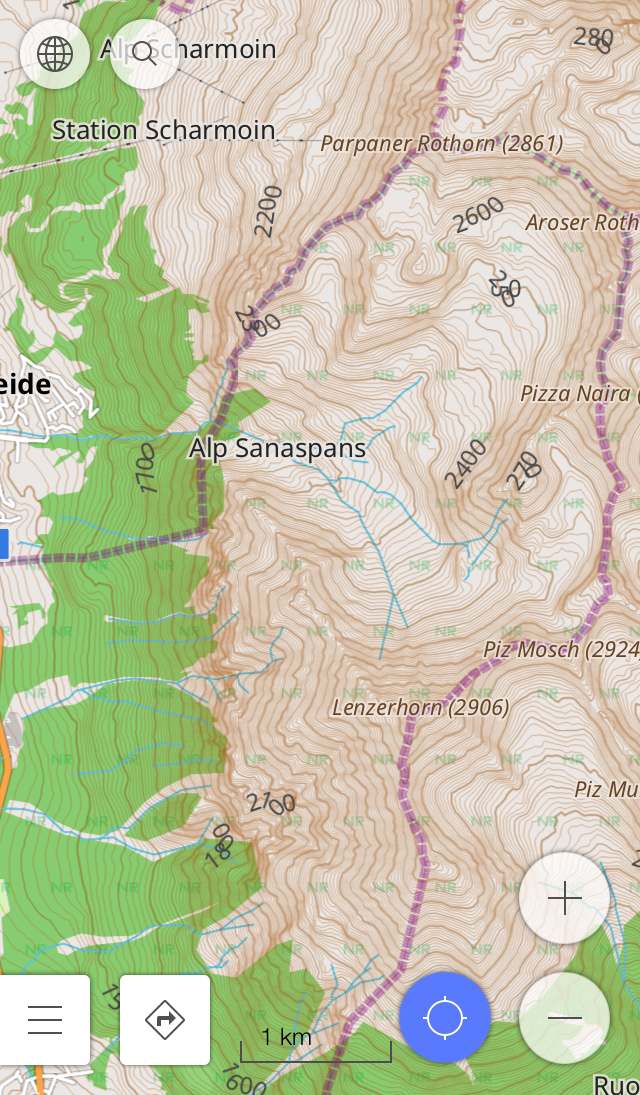
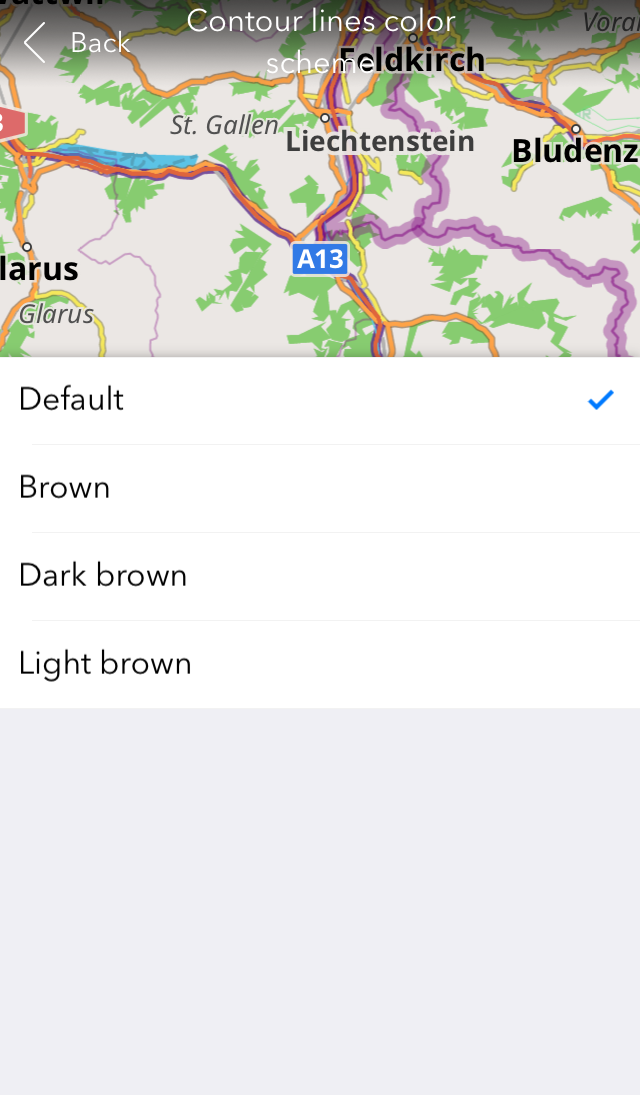
Contour lines color
Using contour lines for hiking or just to get information about the area? Select the color that is convenient to you in Map > Contour lines color scheme.
 |  |
|---|
We also fixed some issues including the one with sudden termination upon launch.
And remember that only together we can achieve the best results! New features are coming SOON!
Join us at our groups of Telegram (OsmAnd News channel), (EN), (IT), (FR), (DE), (UA), (ES), (BR-PT), (PL), (AR), (TR).
